
| Decision | What the evidence shows | Planning use |
|---|---|---|
| Video format | Faceless videos run on voiceover, stock or AI-generated visuals, screen recordings, animations and text. | Choose the format you can repeat on a schedule. The video, not a presenter, carries the content. |
| Niche type | Evergreen how-to and explainer niches compound because each video keeps collecting search traffic. The ambient and relaxation niche is the most exposed to repetitive-content enforcement. | Favour evergreen topics. Treat ambient content as the higher-risk choice. |
| AI voice and visuals | They are fine when the video delivers original content rather than padding. | Use AI voice tools to save time, and put the effort into the script and the angle. |
| Music, clips and images | Monetized channels need commercial rights to every asset in the video. | Check the licence of each asset before it goes into an edit. |
| Income routes | Faceless channels use the same Partner Program as every other channel, with ads, memberships, sponsorships and affiliates. | Plan more than one income route, and keep the content original enough to stay eligible. |
These conditions come from the Shhots guide to starting a faceless YouTube channel.
Here is how to start a faceless YouTube channel: choose an evergreen niche, carry each video with voiceover and visuals, and publish on a steady schedule. Monetization uses the same Partner Program as any channel, but repetitive, mass-produced content is the risk.
The channel is one part of a wider plan. If you are still deciding how to start an online business, treat the channel as an audience-building asset rather than the whole business.
What going faceless changes in practice
A faceless YouTube channel publishes videos without the creator appearing on camera, according to Shhots. That removes on-camera performance, but it moves the whole job onto the script, the audio and the visuals. Each of those becomes a decision you have to make on purpose.
- Your script does the work a personality would do. Without a presenter, viewers stay for the information and the pacing. A clear angle on a specific question matters more than polish.
- Your voice becomes optional, not your audio. You can narrate yourself or use AI voice tools. Poor sound is still a reason for viewers to leave, so spend your first budget on how the narration sounds.
- Your visuals have to be licensed. A presenter needs no clearance, but stock footage, music and images do. Monetized channels need commercial rights to every asset in the video.
- Your risk shifts toward policy. YouTube’s monetization policies target inauthentic, mass-produced and repetitious content, and faceless formats are easy to mass-produce. A channel that looks templated is the one most likely to be questioned.
The practical consequence is that faceless suits people who prefer to plan and edit over performing, and who will put in the research that gives each video something original to say. It suits people hoping for a shortcut much less well. The next step is choosing a niche that can sustain that research.
Choosing a niche that holds up
Pippit lists educational content, tech reviews, animation and ASMR among the popular faceless niches. Popularity alone does not make a niche right for you. Judge each option by whether you can make original videos in it for a long time.

Evergreen topics versus ambient content
Evergreen how-to and explainer niches compound: each video keeps collecting search traffic, so early uploads keep working while you add more. That suits a channel built on voiceover and screen recordings, because each new video adds to a library instead of replacing the last one.
Ambient and relaxation content is the niche most exposed to YouTube’s repetitive-content enforcement, per Shhots. If you like that format, vary what each video actually contains. Do not rely on near-identical uploads.
Validating a topic before you publish
Before committing to a niche, look at the uploads-per-week figure for channels in your target niche, as Digital Maker suggests. The figure shows how much output the niche expects and how crowded it is. A niche where established channels upload constantly demands more production capacity than a solo creator may have. A calmer niche may be easier to enter, but check that viewers are actually searching for the topics.

Use that research to build a short list of topics and test your interest in each. If you cannot imagine writing several original scripts on a topic, drop it. Once you have a niche, the production setup can follow it.
Production setup: voiceover, visuals and editing
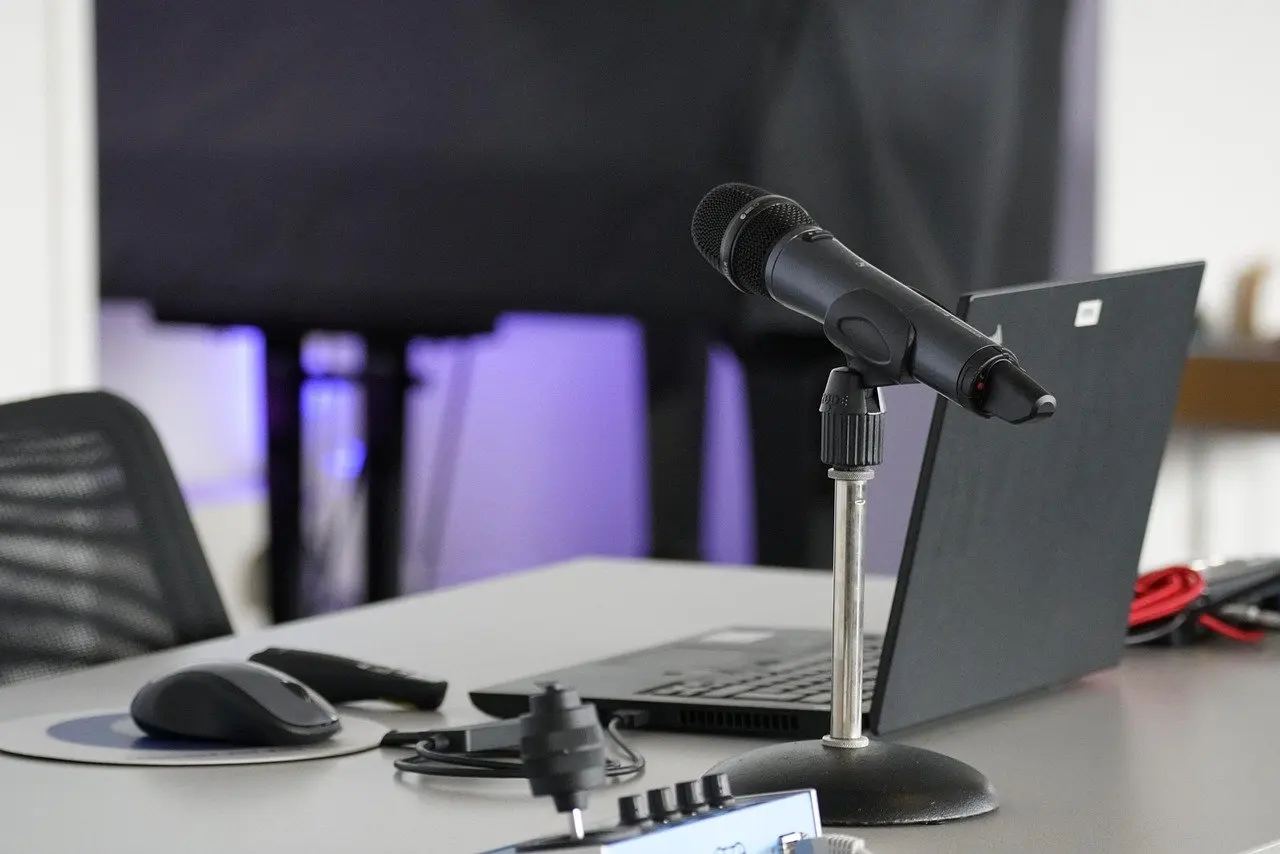
Match your tools to your format rather than buying a full kit. Shhots describes the video as carried by voiceover, stock or AI-generated visuals, screen recordings, animations and text, so pick the mix that fits your niche.
Narration and AI voice tools
You can record your own voiceover or use AI voice tools. Shhots says AI voiceover and AI-generated visuals are fine when the video delivers original content and not padding. The choice between your voice and a synthetic one is therefore about quality and fit with your audience. Policy is not the deciding factor. Listen to a full sample of any AI voice before committing to it for a series.
Visuals and screen capture
For tutorials and software walkthroughs, screen recording tools like OBS Studio let you capture your screen, per Pippit. For explainers and list videos, you will lean on stock footage. Pippit points to sites offering royalty-free music, sound effects and visuals. Because monetized channels need commercial rights to every asset, confirm that a royalty-free licence covers monetized use before you build a template around it.
Editing and all-in-one generators
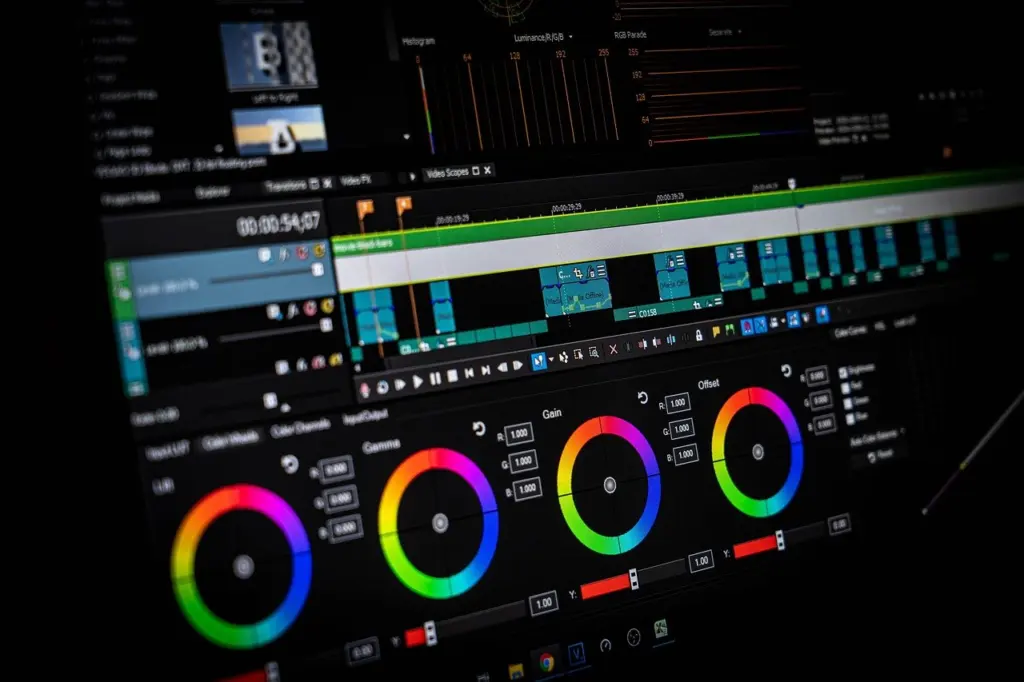
Video editing software is where voiceover, footage and captions meet. A standard editor gives you the most control over pacing and originality. AI faceless video generators go from script to a finished vertical or widescreen video with AI voiceover and on-screen captions, according to Shhots. They are faster, and they carry the risk of producing videos that look alike. If you use one, edit the output and write your own script so that each video differs from the last. Compare the current pricing page of each tool before subscribing, and favour a plan you can cancel once your workflow settles.
Monetization and policy exposure
Faceless channels monetize through the same Partner Program as every other channel, and Shhots lists ads, memberships, sponsorships and affiliates as the routes. Pippit describes the basic route as joining the YouTube Partner Program to earn from ads shown on your videos. Check the current eligibility requirements in YouTube Studio before you plan around any date, because thresholds can change.
The main threat to faceless income is the content itself. Policies that target inauthentic, mass-produced and repetitious content bear hardest on channels that publish near-copies of the same video. The practical defence is to give each upload its own research, script and point of view, and to document the licences for your assets.
Sponsorships and affiliate links depend on an audience that trusts the channel, so build those after you have a back catalogue. If you later sell products of your own, the guide to Best Platforms To Sell Digital Products In 2026: Compare Fees, Features, And Audience – Worio covers where to host them, and a small site can collect your audience, as explained in how to build a website for a small business.
Launching and improving the channel
Start with one video a week, as Digital Maker advises. A weekly pace is something a solo creator can keep up while the workflow is still new, and it leaves room to research each topic properly. Raise the pace only when quality holds without strain.
- Publish in a series. Group related videos in one niche so a viewer who finds one has a reason to watch the next.
- Review what each upload did. Look at how viewers found and watched the video, then repeat the formats that work and drop the ones that do not.
- Keep a topic list. A queue of validated ideas stops you from filling gaps with filler or near-duplicates.
- Hold back on tool upgrades. Spend more on software or voice tools only when a specific limit is slowing you down.
Frequently asked questions
What counts as a faceless YouTube channel?
It is a channel whose videos never show the creator on camera. The content comes from voiceover, visuals, screen recordings, animations or text.
Can I use AI voice tools and AI visuals?
Yes, as long as the video delivers original content and not padding. Treat the tools as production aids and keep the ideas and script your own.
Can a faceless channel earn from affiliate links?
Yes. Affiliate links in your niche can earn commissions on sales made through them, alongside ads, memberships and sponsorships. They work best once the audience trusts the channel.