
Category: Technology
-

How To Connect Two Monitors: The Practical 2026 Guide To A Reliable Dual‑Display Setup
Here is how to connect two monitors: match each monitor’s cable type (HDMI, DisplayPort or USB-C) to a…
-
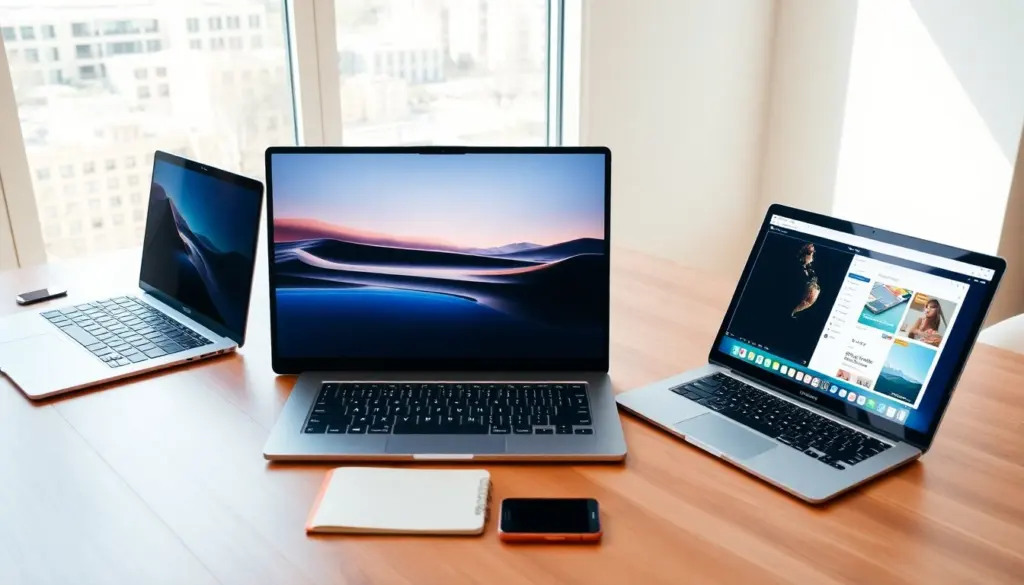
How To Split Screen On Your Laptop: Fast Methods For Windows, Mac, And Chromebook (2026 Guide)
How to split screen on laptop is a common question for users who want to work faster. This…
-

Contact number durostech
Anyone searching for a contact number for Durostech should know first that the site’s Contact Us page lists…
-
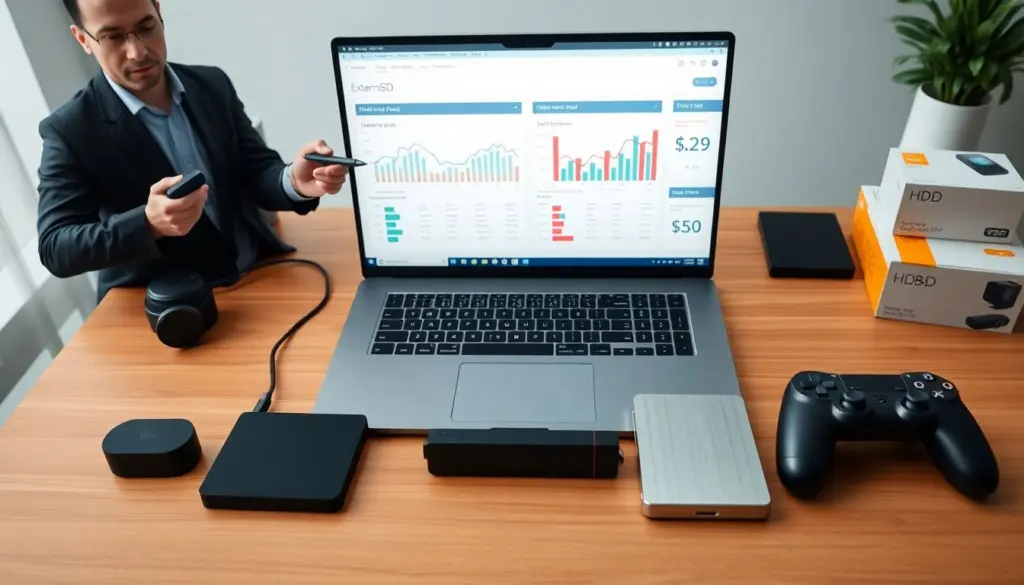
External SSD vs HDD: Which External Drive Should You Buy in 2026?
The article compares external ssd vs hdd to help readers pick the right drive in 2026. It states…
-

USB‑A vs USB‑C: Which Connector Should You Use In 2026? A Clear, Practical Guide
USB‑A vs USB‑C is simple to compare. The guide explains what each connector is, how they differ, and…
-

Emoji Shortcuts: Fast Ways To Insert Emojis On Windows, Mac, iPhone & Android (2026)
The guide covers keyboard shortcuts for emojis and quick insertion methods on major platforms. It shows Windows, macOS,…
-
Wi‑Fi Extender vs Mesh: How to Choose the Best Home Network in 2026
Factor What to expect Planning use Price A capable extender can cost less than $50, while mesh usually…
-
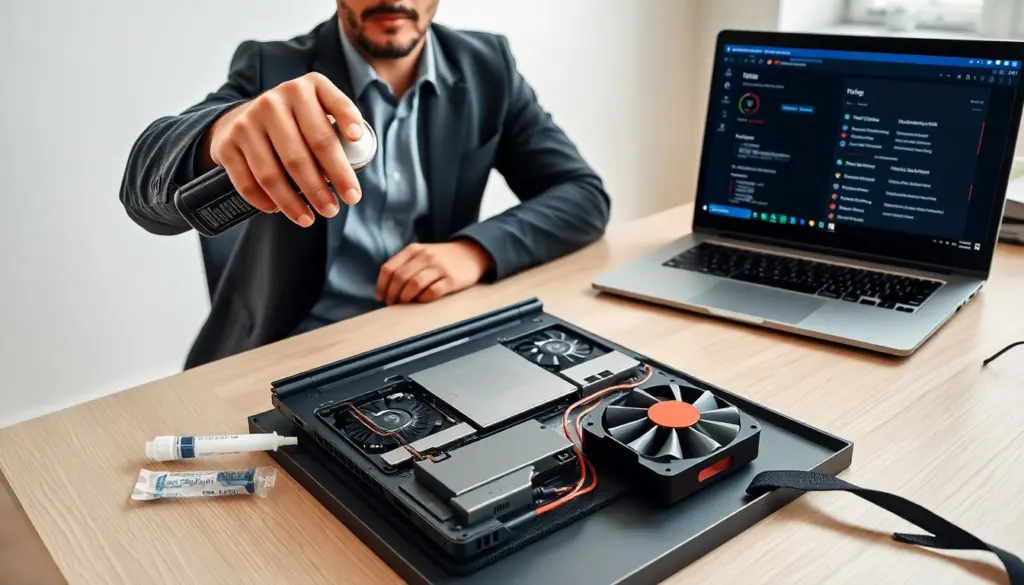
How to Fix Laptop Overheating: 7 Practical Steps to Cool Down Fast (2026)
how to fix laptop overheating is the first question a user asks when the fan runs loud and…
-
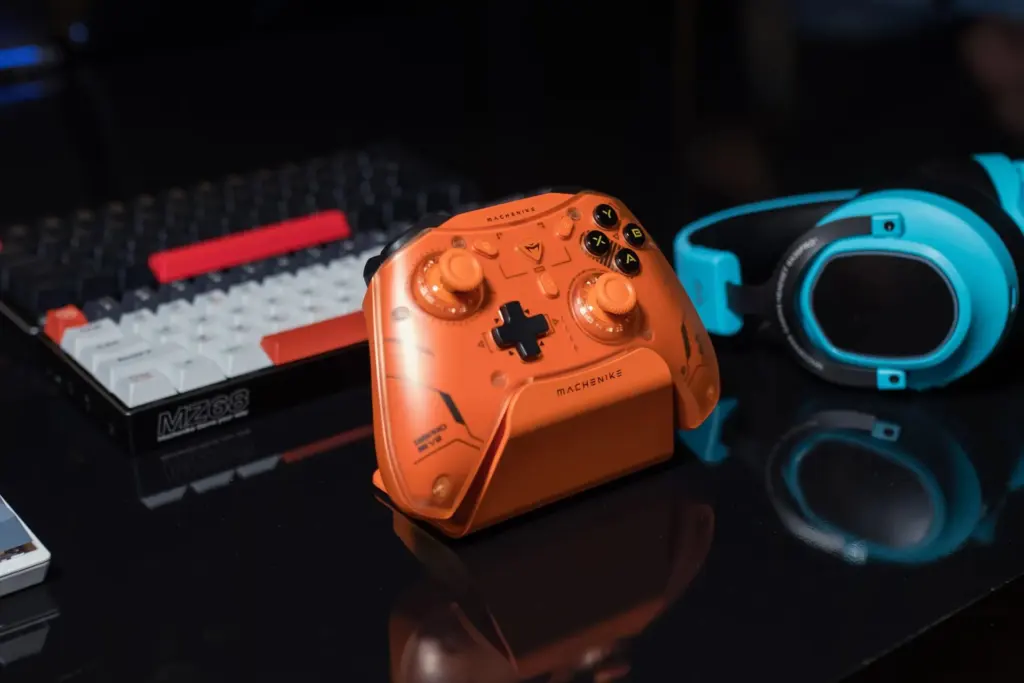
Eurogamersonline gadget
The eurogamersonline gadget search leads to the Gadgets section of Eurogamersonline, where gaming gear, console accessories and everyday…
-
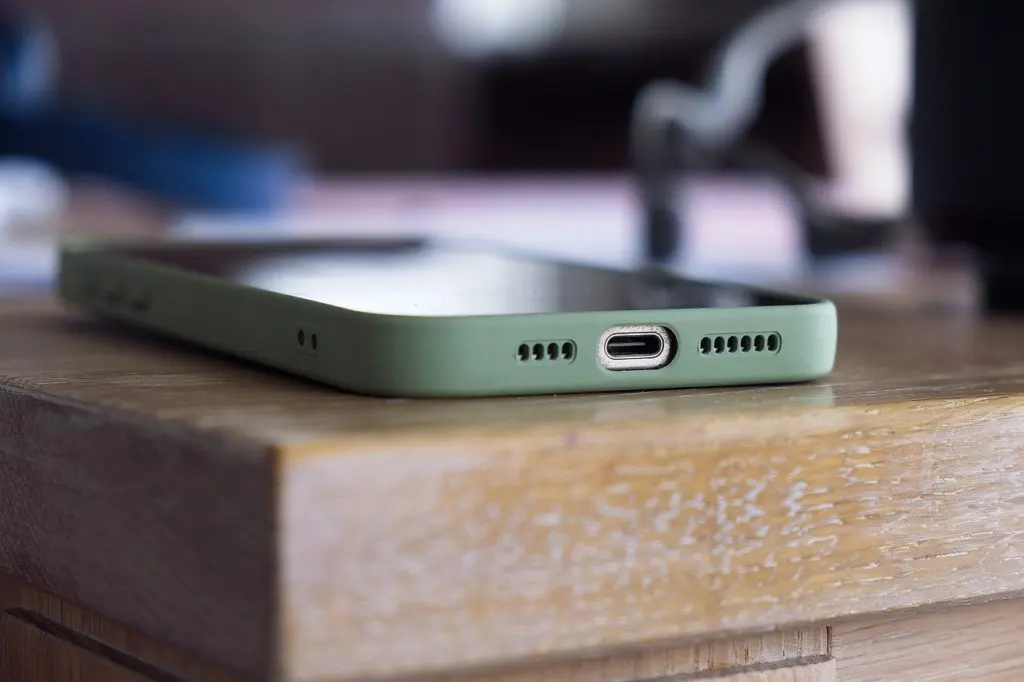
Micro USB Vs USB‑C: Which Connector Should You Still Use In 2026 (Speed, Power, And Compatibility)
Standard Power limit Data speed Planning use Micro USB (Micro-B) Up to 15 W USB 3 only on…