
How much does it cost to build a gaming PC? Expect about $750 for an entry-level build, about $1750 for mid-range and up to $4500 for high-end or water-cooled systems, before monitor, peripherals and an operating system.
Those totals move with GPU, memory and storage pricing, so choose your target resolution first and let it set the tier. For wider hardware choices around the build, start with our gaming setup guide.
What pushes a gaming PC’s price up
A gaming PC’s total is driven by a few expensive parts, and the rest of the build is comparatively cheap. Understanding which parts move the price tells you where a budget can flex and where it cannot.
GPU and CPU
The graphics card is the part most likely to decide which tier a build lands in. The high-end tier is described by FixStop as built around custom cooling, advanced GPUs and premium components, and CNET’s 2026 price analysis found that high-tier GPU models can cost several times more than their launch price. That volatility is the main reason a parts list priced a few months ago can be wrong today.
The CPU matters, but mostly as a partner to the GPU. FixStop says it balances the CPU, GPU and power supply for both performance and budget, which is the right instinct: a premium processor paired with a weak graphics card wastes money, and so does the reverse. A CPU with built-in graphics is a different route. The Help Desk Geek entry build uses a Ryzen 5 5600G CPU with Vega graphics and sits in the $500 range, but that is listed as a general-purpose PC. Its mid-grade gaming-capable example adds an Asus GeForce RTX 3050 8GB graphics card.
RAM and SSD
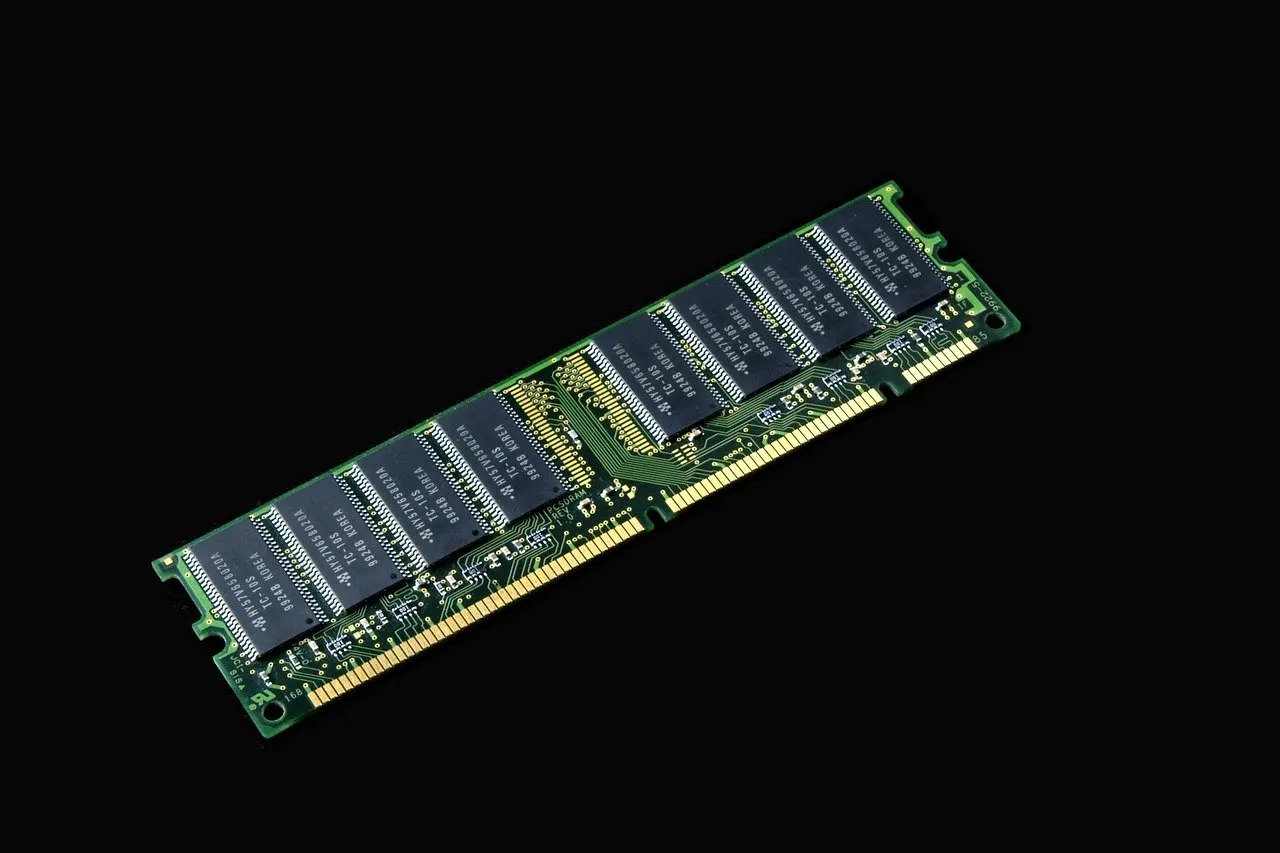
Memory and storage used to be the easy places to be generous. CNET notes that things that were sometimes affordable, like RAM and storage, have skyrocketed in price. The practical response is to choose capacity deliberately rather than by habit. The Help Desk Geek entry build uses 16GB of DDR4 and a 240GB M.2 SSD, while the mid-grade example moves to a 1TB SSD. CNET’s comparison builds went further, with 32GB of DDR5 and, in its largest example, a 2TB NVMe SSD. Buy the capacity your games and workload need today and treat extra storage as an upgrade you can add later.
Case, PSU and cooler
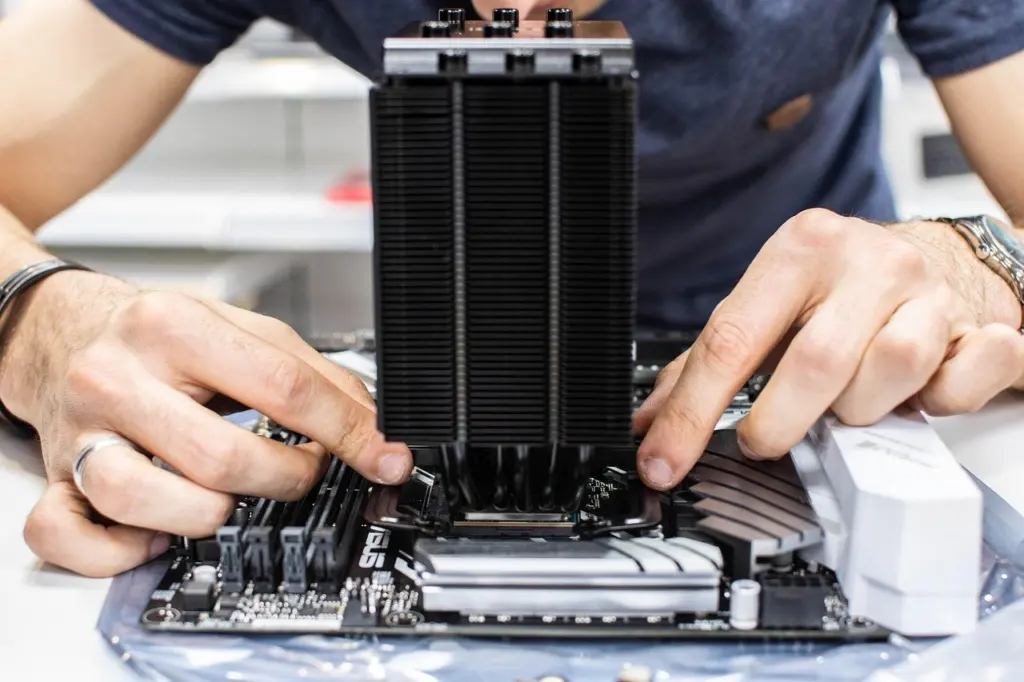
These three parts rarely decide the tier. In one CNET comparison, a budget case ($74), power supply ($89) and cooler ($54) were small next to the $1,816 that remained even if all three had been free. The bulk of a build’s cost sits in the CPU, GPU, memory, storage and the other main components. That makes the case, PSU and cooler good places to buy sensibly rather than to cut hard.
Budget tiers at a glance
The simplest way to answer the cost question is to pick the tier that matches the games and resolution you want, then price parts against it.
| Tier | Typical total (USD) | Aimed at | Planning use |
|---|---|---|---|
| Entry level | About $750 | Casual gaming and eSports titles such as Valorant, Fortnite and League of Legends at 1080p | Choose this if competitive, lighter games at 1080p are the goal |
| Mid-range | About $1750 | 1440p or 4K gaming, streaming and multitasking with higher frame rates | Choose this if you stream, multitask or want a higher resolution |
| High-end or water-cooled | Up to $4500 | Professionals, enthusiasts and AI performance computing, with custom cooling, advanced GPUs and premium components | Reserve for workloads that use the extra hardware; $4500 is a ceiling, not a target |
These tier prices and targets come from FixStop’s gaming PC cost guide, and they are averages rather than quotes for any one parts list.
The entry tier is the right answer for many players, because the esports titles it targets are exactly the games where 1080p is the norm. Step up to mid-range when you want higher frame rates, streaming or multitasking alongside play. The top tier only pays off if you will use custom cooling and advanced GPUs for professional or AI work. If you are still deciding which games to build for, The Best Co-Op Survival Games in 2026: Top Picks for Teams, Base Building, and PvE Thrills – Worio is a useful place to see what kinds of titles you might be buying hardware for.
Setting a budget in order
Work through the decisions in this order so the expensive choices are made first and the cheaper ones fit around them.
- Pick the target. Decide on 1080p, 1440p or 4K and whether you will stream or multitask, then read across to the matching tier above.
- Price the GPU against current listings. Because high-tier cards can sit at several times their launch price, check what the card costs now rather than at release.
- Match the CPU to the GPU. Aim for the balance FixStop describes, so neither part is left waiting on the other.
- Set memory and storage capacity. With RAM and storage prices elevated, take the capacity you need now and leave room to add more.
- Fill in the supporting parts. Case, PSU and cooler are comparatively small line items next to the main components.
- Compare against a prebuilt. Check whether a ready-made system with the same CPU and GPU undercuts your total before you order parts.
Sample builds and totals
Real builds show how the tiers translate into parts. These examples come from different dates and assumptions, so read them as the shape of a build rather than a shopping list.

- Entry general-purpose, $500 range. The Help Desk Geek entry build pairs a Ryzen 5 5600G with Vega graphics, 16GB of DDR4, a 240GB M.2 SSD and a 450 W power supply. It is a general-purpose machine, so treat it as a floor for what a working PC costs rather than a dedicated gaming rig.
- Mid-grade, $1500 range. The same guide’s mid-grade build adds an Asus GeForce RTX 3050 8GB, a 1TB SSD, a Gigabyte C200 Glass Mid Tower case and a Seasonic 500 W power supply.
- Budget comparison, $1,544. CNET priced a DIY version of the HP Omen 16L at $1,544 using the same CPU, GPU and comparable memory and storage. The prebuilt cost $1,199.
- Midrange comparison, $2,033. A DIY match for the Asus ROG G700, which has an RTX 5070 12GB and 32GB of DDR5, came to $2,033 against $1,749 for the prebuilt.
- Stronger midrange, $2,377. CNET’s DIY build with an RTX 5070 Ti 16GB, 32GB of DDR5-6000 and a 2TB NVMe SSD cost $2,377.
The pattern is that GPU class and memory capacity move the total more than anything else. The lower totals in the Help Desk Geek examples describe older, smaller parts, while the CNET figures reflect the 2026 market with 32GB of DDR5 as standard.
Building versus buying a prebuilt
In CNET’s 2026 analysis, building your own PC was ultimately not cheaper than buying one. In its budget and midrange comparisons, the prebuilt undercut a DIY build of the same specification. At the high end the result was mixed: one prebuilt was $649 more expensive than DIY, while another was $632 cheaper. Prebuilts from Micro Center saved an average of $336 against DIY, with a maximum saving of $632.
That does not make building pointless. FixStop, a custom-build shop, argues that prebuilts often come with generic components and limited upgrade paths. CNET also found that incremental upgrades each cost less than buying a new prebuilt outright. Building suits you if you want to choose specific parts, expect to upgrade over time or can reuse components. If you are buying for the lowest outlay on a fixed specification, price a prebuilt first. Once your parts list is settled, How to Build a Gaming PC: Step‑By‑Step Guide to Building a Reliable Rig in 2026 – Worio covers assembly.
Frequently asked questions
Do these totals include a monitor, keyboard or Windows?
No. In the Help Desk Geek examples, peripherals such as the keyboard, mouse, monitor and speakers are not included, and the build prices do not include an operating system, so add both to your budget separately.
Is buying a used GPU a safe way to save?
It carries more risk than other used parts. Help Desk Geek notes that CPUs, RAM and SSDs usually work or fail outright, so they are easier to check on purchase, whereas a used GPU may need its cooling system replaced as fans or pumps wear.
Is a cheaper power supply worth it?
Rarely. CNET found the savings from a cheaper PSU are small before you reach risky power margins, and most of its DIY comparison builds used the same power supply and all-in-one cooler.